
Using Gutenberg Blocks in Layout Templates: Building Flexible Headers and Footers
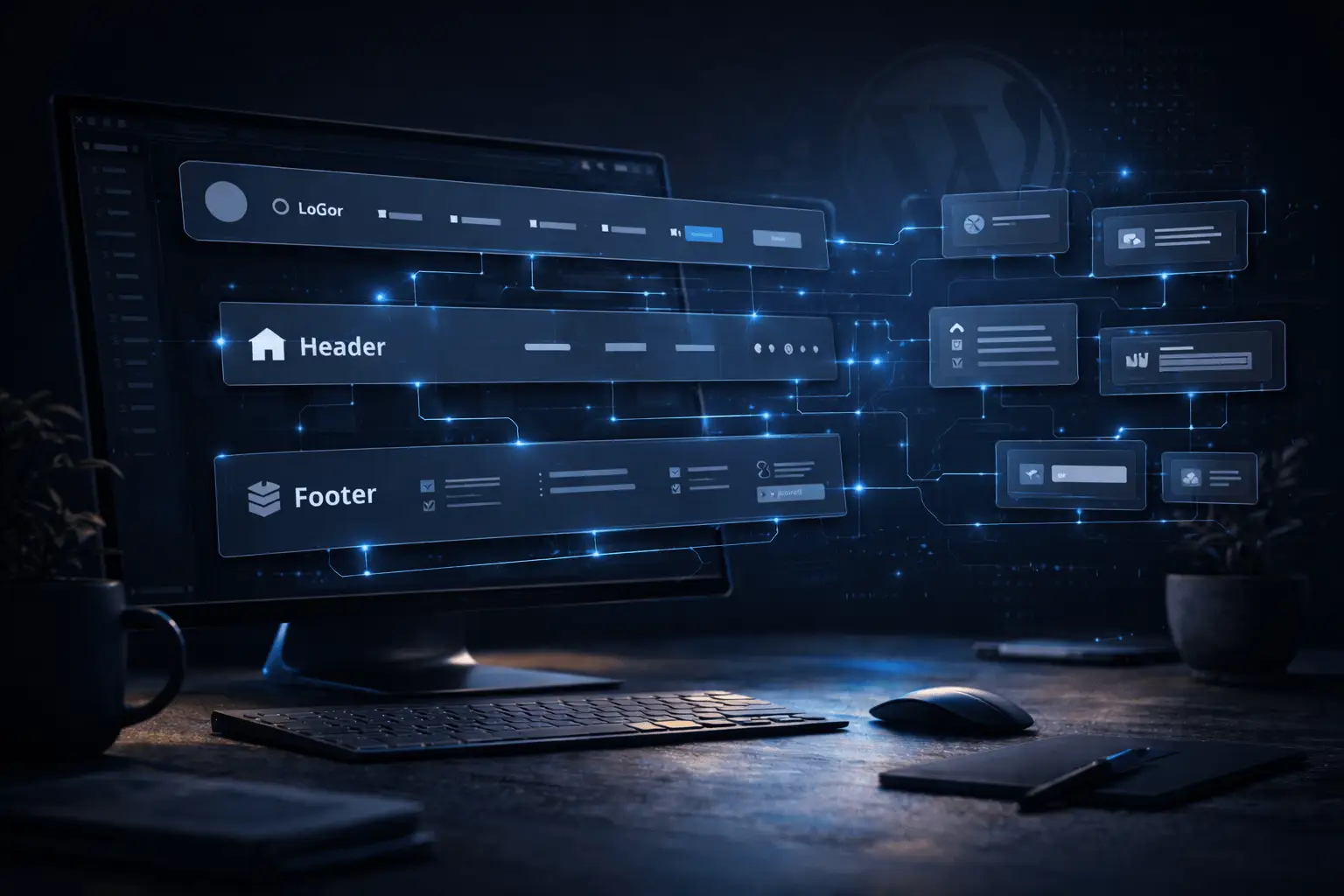
When developing WordPress websites, some parts of the process tend to repeat across almost every project. Two of the most common examples are the header with navigation and the footer.
Traditionally, these components are built directly inside the WordPress theme. While this approach works, it often means rewriting similar structures for every new project. When a design includes a complex navigation system, responsive behavior, multiple menus, or call-to-action buttons, the header alone can become a significant development task.
But with modern block-based development, there is a much more flexible approach: using Gutenberg blocks directly inside layout templates.
This allows developers to treat headers and footers just like any other block—modular, reusable, and easy to manage.
Moving Layout Components to Blocks
Most developers are already familiar with using blocks inside page content. However, blocks are not limited to content areas.
With the right setup, they can also be used inside layout templates, meaning that key structural components of the website—like headers and footers—can be built as custom blocks.
Instead of writing navigation structures directly in theme files, developers can create a Header Block that contains:
- the site logo
- navigation links
- call-to-action buttons
- additional layout elements
The same concept applies to the footer, which might include:
- contact information
- secondary navigation
- social media links
- newsletter forms
Once these components are built as blocks, they can be inserted into theme templates just like any other block.
A More Flexible Way to Build Navigation
Creating a header as a block provides a level of flexibility that traditional theme development rarely offers.
For example, a header block can include structured fields that allow editors or developers to manage elements such as:
- the site logo
- the website title
- navigation links
- custom buttons or call-to-action elements
Navigation links can also be connected to existing WordPress pages or external URLs, while still behaving like standard WordPress menus—highlighting the current page and maintaining consistent navigation behavior across the site.
Because the header is treated as a block, its structure can be customized based on the needs of the project without modifying core theme files.
Creating Campaign Pages with Custom Layouts
One of the most powerful advantages of block-based layout components is the ability to use different headers or footers depending on the page or template.
This is particularly useful when creating campaign landing pages.
Marketing campaigns often require a different design compared to the main website. For example, a campaign page might need:
- a simplified navigation
- a focused call-to-action
- fewer menu options
- a different visual layout
With block-based headers, creating these variations becomes very easy.
Instead of modifying the main navigation system, developers can simply create another header block designed specifically for the campaign layout. This block can then be attached only to the relevant template.
This approach keeps the main website intact while allowing campaign pages to have their own unique structure.
Reusable Components Across Projects
Another important advantage of block-based layout elements is reusability.
Once a header or footer block is built, it can often be reused across multiple projects with minimal adjustments. Because the structure and fields are clearly defined, developers can easily adapt the block for different websites while keeping the same core logic.
This dramatically reduces the amount of time spent rebuilding common components like navigation systems.
Instead of starting from scratch, developers can rely on a library of reusable blocks that already follow best practices.
Full Control Over the Layout Structure
Using blocks inside layout templates also provides greater control over how a website is structured.
Developers can decide:
- which templates use which header
- where different layout components appear
- how navigation behaves across different sections of the website
This modular structure allows layout elements to evolve along with the project. New blocks can be introduced without rewriting large portions of the theme.
As a result, the entire layout system becomes more flexible and easier to maintain.
A Modern Approach to WordPress Layout Development
Block-based layout components represent a natural evolution of the Gutenberg editor. Instead of treating headers and footers as fixed theme elements, they become dynamic building blocks of the website layout.
This approach brings several key advantages:
- reusable layout components
- easier customization of navigation and footer structures
- the ability to create unique campaign layouts
- improved maintainability of theme templates
By using blocks inside templates, developers gain a modular system where even the most structural parts of the website remain flexible.
Conclusion
Building headers and footers as Gutenberg blocks introduces a powerful new level of flexibility in WordPress development.
Instead of rewriting layout components inside theme files for every project, developers can create reusable blocks that integrate directly into layout templates. This makes it easier to build complex navigation systems, customize page layouts, and create campaign-specific designs without disrupting the main structure of the website.
In a block-based WordPress environment, even the layout itself becomes modular—giving developers complete control over how every part of the site is built and reused.